Make a photo
Stage an arrangement, tidy a phone photo or prepare a completed event for your portfolio. Review the original and result side by side.
A photo, an idea, a preview for your client. Make more of your floral work with a thoughtful little workspace on your iPhone.
Coming to iPhone · iOS 17 and later
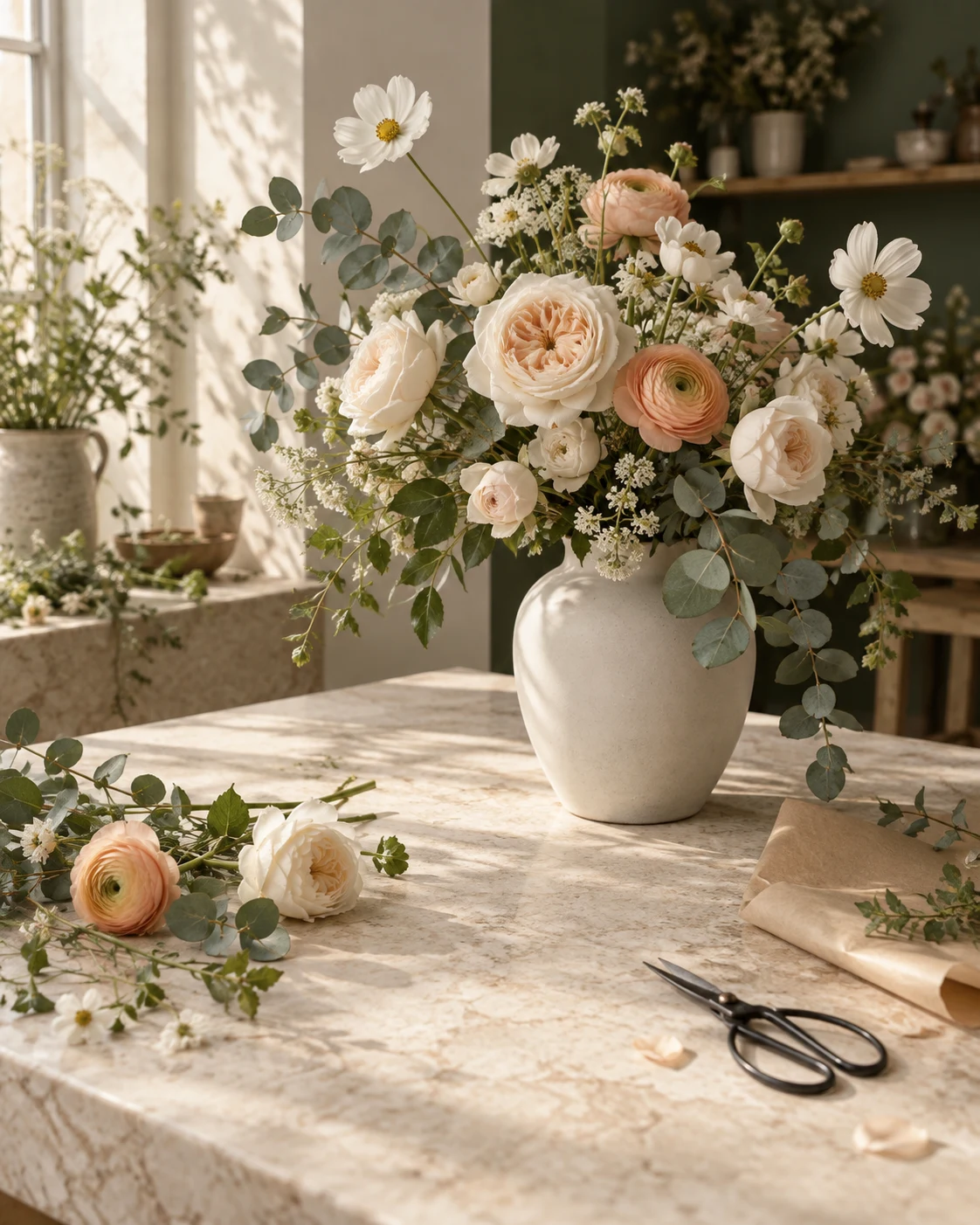 Made for florists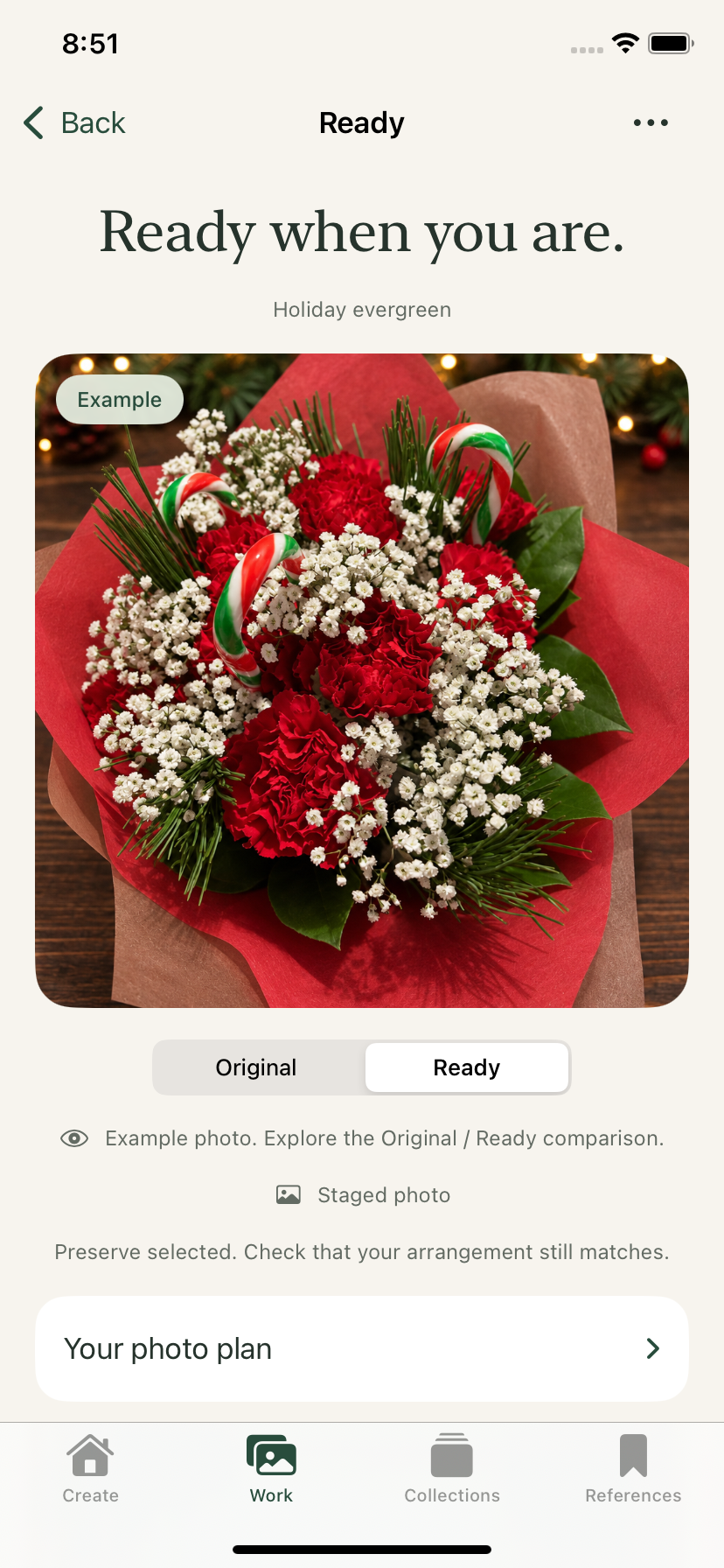
For the flowers you make. And the ideas still growing.
Start with a phone photo. Stage it in a new setting, or tidy the lighting in the scene you already have. Choose Preserve, Polish or Reimagine for the result you have in mind.
See the app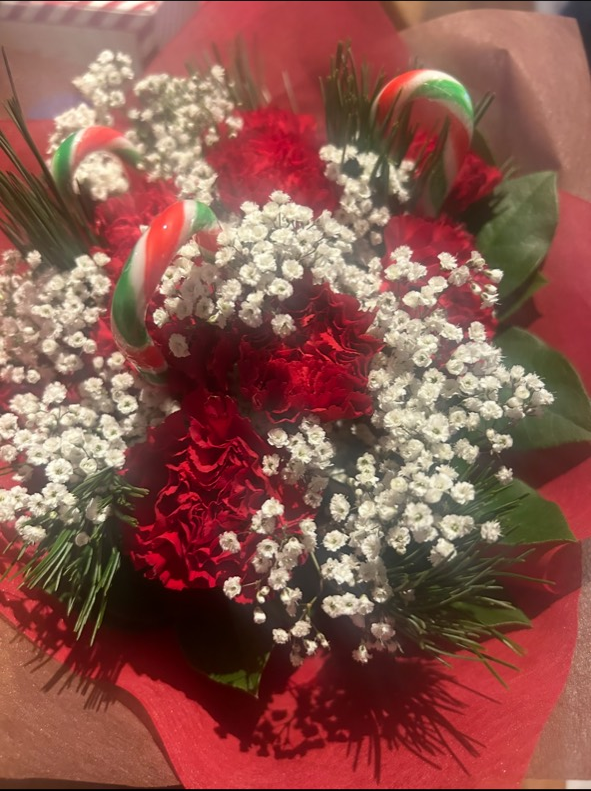

This example uses an actual phone photo and its Floral Studio result. AI can change details, even with Preserve selected. Compare the result with your original before sharing.
Prepare the photograph, explore the next idea, and give it your own finishing touch.
Stage an arrangement, tidy a phone photo or prepare a completed event for your portfolio. Review the original and result side by side.
Start with a brief or selected flower references. Explore written directions, then picture your favourites. Design previews stay clearly labelled as proposals.
Add your own watermark and shop details. Prepare social images, captions, posters and lookbooks from your ready photos.
Native iPhone tools, organized around the way florists work. Take a closer look at the app.
A photo, an arrangement idea or a venue preview.
Compare your original with the finished photo.
Your text, logo and usual watermark look.
Turn saved photos into an ordered lookbook.
Actual app screenshots with example content. Tap a screen to enlarge it. Screens shown are from a development build; details may change before release.
The planned Free allowance lets you explore the photo workflow. Premium adds more monthly images and removes the Floral Studio mark from enhanced exports.
Two lifetime successful image credits. Your own branding can be added to exports.
Planned monthly subscription
50 successful images each month. Remove the Floral Studio mark; keep your shop branding.
Purchases are not yet available. Pricing and currency will be shown in the App Store before purchase. Monthly allowances do not roll over. AI proposal labels remain on every plan.
Floral Studio is being prepared for the App Store. The screens on this site show the current development app. There is no download link or release date to announce yet.
AI can change details, including flower condition and arrangement. Preserve asks it to retain the photographed flowers; Polish allows small cosmetic changes; Reimagine creates a separate design concept. Always review before sharing.
You can use your results for your business, subject to the terms and any rights in the content you upload. Make sure product photos and advertising accurately represent what you sell.
Selected photos and requests are processed by our private service and OpenAI for the features you request. Saved references and branding are local unless you choose a feature that shares them. The Privacy Policy explains the details.
Coming to the App Store. Have a question about Floral Studio?